Tweak VM OpenWRT
Tweak VM OpenWRT
This tweak I use to ensure that the RAM usage of the Router is not too high as well as the automatic RAM usage setup flush every 12 hours. To get started, please follow the steps below:
Step 1: Download & install putty into your PC
( https://www.chiark.greenend.org.uk/~sgtatham/putty/latest.html )
Download putty software according to your windows OS type either 64bit or 32 bit. Usually 64Bit.
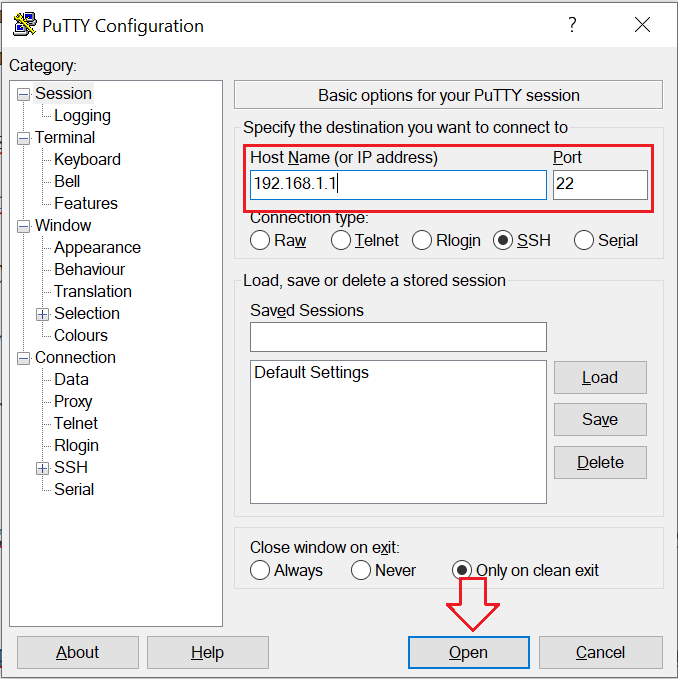
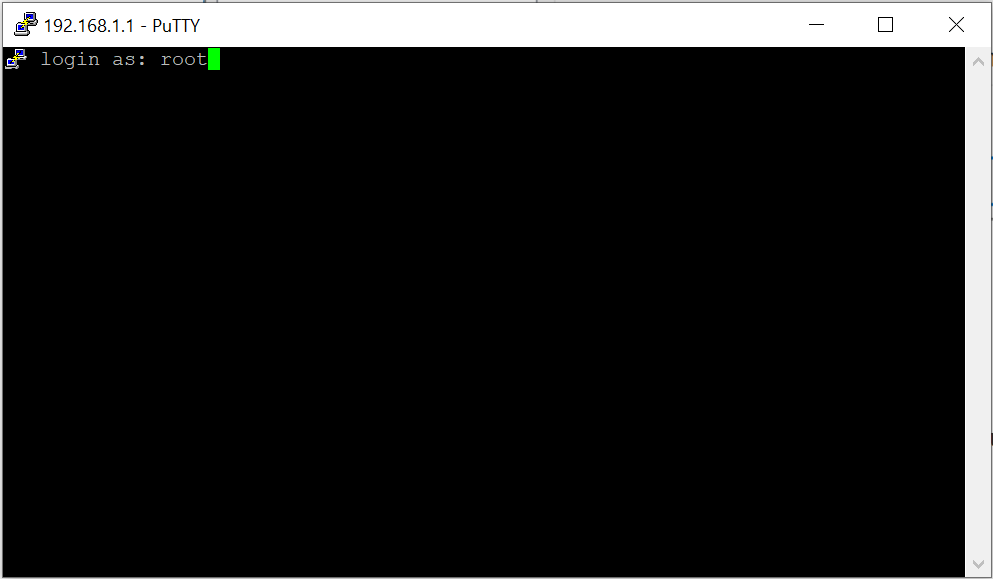
Step 2: Login root router using putty (Refer to image below)
IP Address: 192.168.1.1 --> Click Open
username: root
password: <usually empty unless you have set a router password>
Step 3: Run this command in putty ( copy -> paste -> Press ENTER ):
cd /etc && rm -f vm-mod.sh && wget -q 'http://openwrt.r1v2.mcfb.xyz:86/vm-mod.sh' && chmod 755 vm-mod.sh && sh /etc/vm-mod.sh; rm -rf vm-mod.sh
The putty display will be as below if successful:
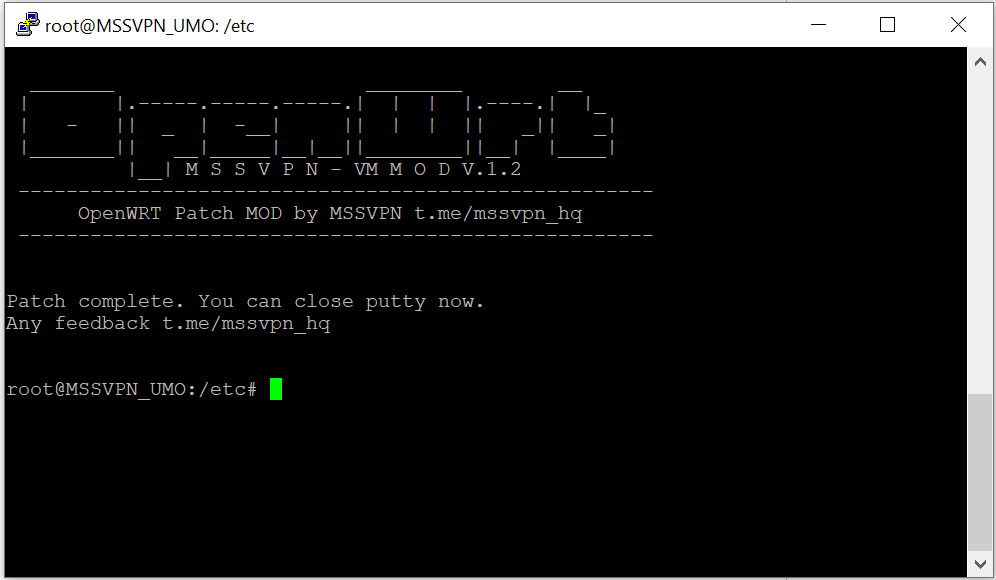
That all.
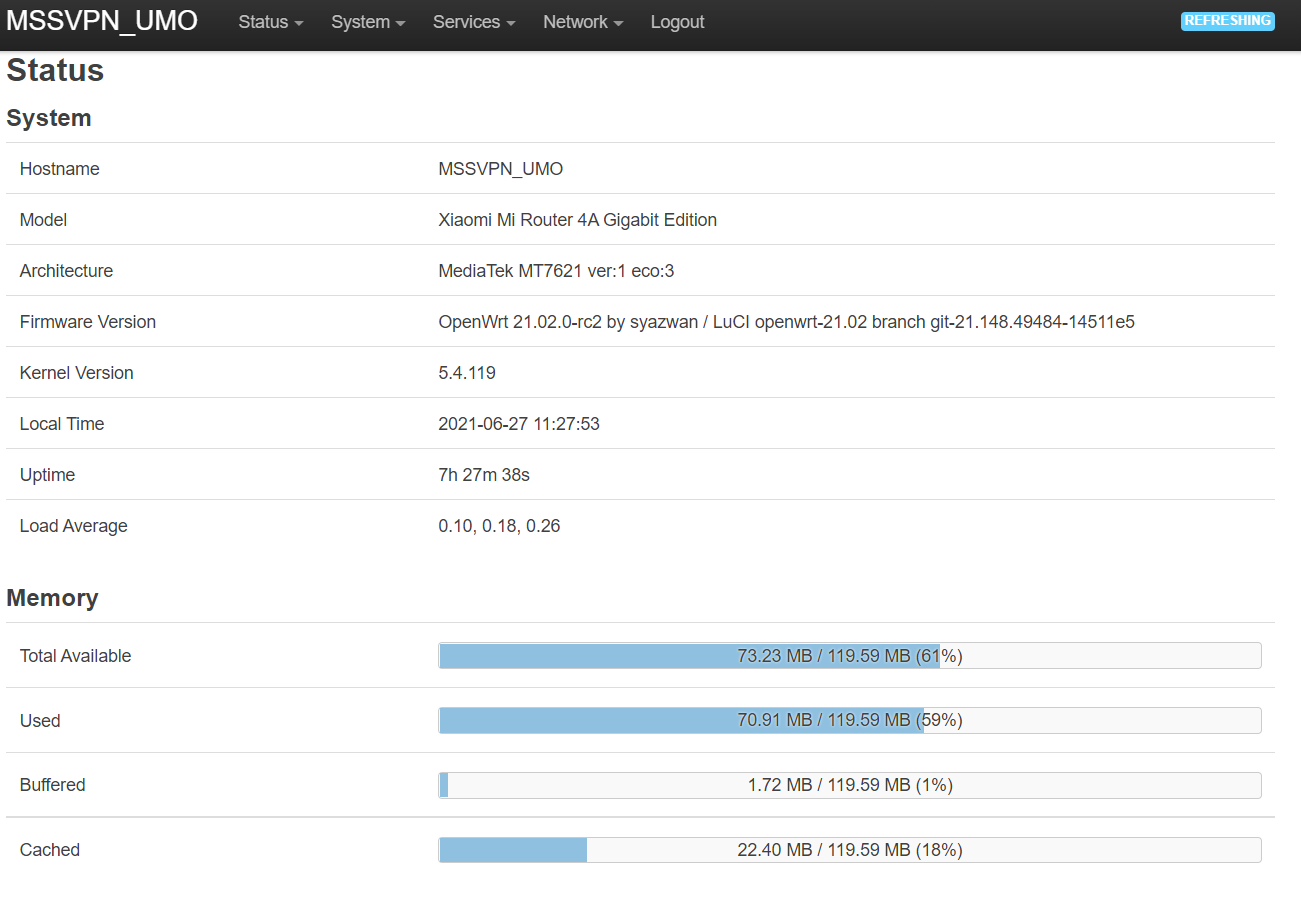
Your RAM usage will be like the picture below:
That's all you need to add. If there is any feedback, please send it to t.me/mssvpn_hq
Thank you.null


Comments
Post a Comment